

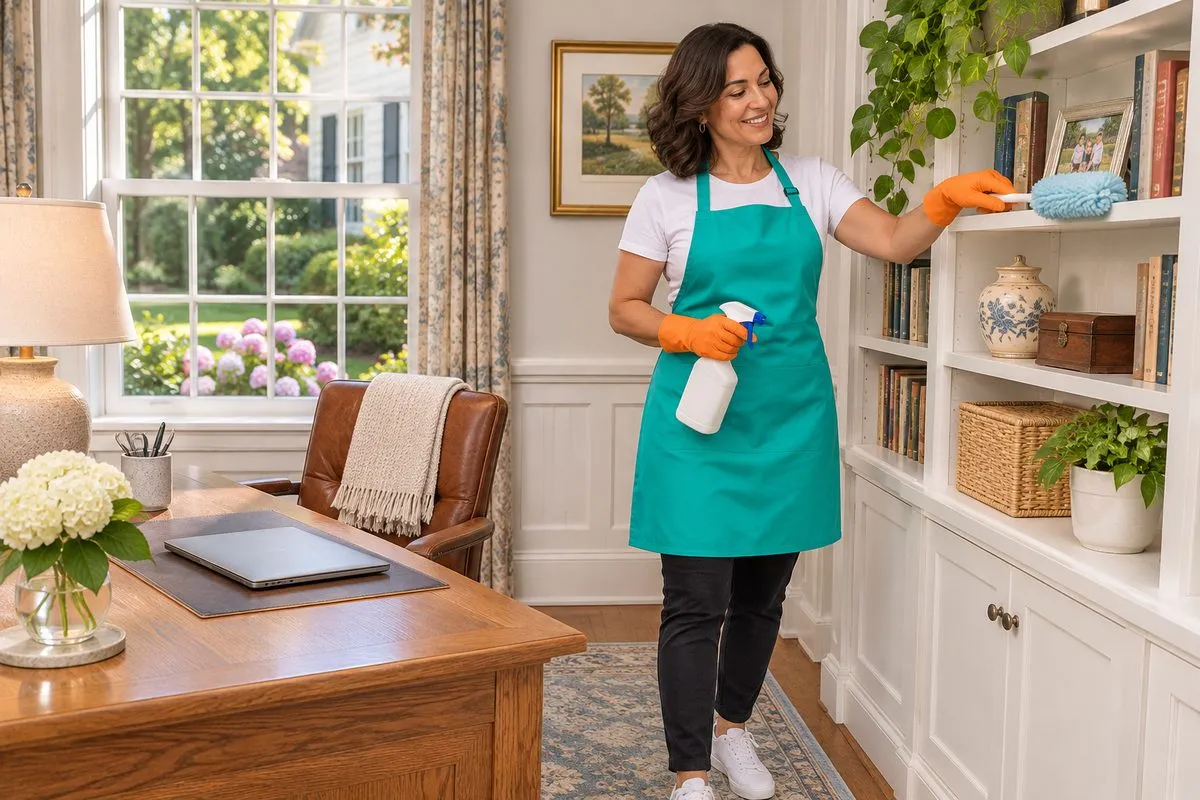
How to Clean a Home Office
To clean a home office, clear the desk first, then work top to bottom: dust the shelves, lights and window sills, clean the screens and keyboard with the right tools, wipe the desk and chair, untangle and dust the cords, and vacuum last, under the desk too. Ten minutes at the end of each work day keeps it that way.
When you work from home, the office is used all day and cleaned almost never. Coffee rings, crumbs in the keyboard and a nest of cords under the desk. Here's how a cleaner would tackle it, and what to do yourself.
Why does a home office get so dusty?
Electronics pull dust. Computers, monitors and chargers give off a little heat and static, and dust collects on and behind them. Paper makes dust too. Add a window that's open half the year, a dog that sleeps under the desk and lunch at your keyboard, and the room gets grimy fast.
The trouble is, most people tidy the desk and stop there. The dust lives behind the monitor, under the desk and on top of the bookshelf.
Home office cleaning checklist
Turn off and unplug what you're cleaning. Work from the top down.
- Clear the desk. Papers into a tray or a drawer. Cups to the kitchen. Trash out.
- High spots. Dust the top of the bookshelf, the light fixture, the ceiling fan and the window frame.
- Shelves and books. Dust the shelves and the tops of the books with a soft brush or a microfiber cloth.
- Screens. Use a dry microfiber cloth. If you need anything more, follow the maker's directions. Never spray a screen directly.
- Keyboard and mouse. Turn the keyboard upside down and tap out the crumbs. Wipe the keys and the mouse with a barely damp cloth, following the maker's directions.
- Desk. Wipe the whole surface, including behind the monitor and the edges your arms rest on.
- Chair. Wipe the arms and the base. Vacuum the seat if it's fabric. Pick the hair and fluff out of the wheels.
- Cords. Untangle, dust and bundle them with a tie or a clip. A neat cord run is far easier to clean around.
- Floor last. Vacuum under the desk and behind the chair. If you have a chair mat, lift it and clean under it now and then.
What should you do every day?
A ten-minute shutdown at the end of the work day:
- clear cups and plates out of the room
- put papers in one tray
- wipe the desk where you ate or spilled
- empty the trash if it's full
It also helps you stop working. Closing the office down is a signal the day is done.
What should you do weekly?
- dust the monitor, shelves and windowsill
- wipe the keyboard and mouse
- vacuum the floor and the chair
- clear out the paper tray: file, shred or toss
What should a house cleaner do in your office?
If you have regular cleaning, your office is part of the house. But it's the one room where a crew needs clear instructions. Put these in your booking notes:
- Is the office in or out? Some people want it cleaned every visit. Others want it skipped.
- Desk rules. Most people want papers left exactly where they are. Say so. A clear desk gets wiped. A desk covered in work gets dusted around.
- Electronics. Say whether you want screens and keyboards touched at all.
- Meetings. If you'll be on a call during the visit, tell the crew which room to leave until last.
Our guide to getting ready for a cleaning covers the rest of what to put in your notes.
Working from home in South Jersey
A lot of the homes we clean in Mount Laurel, Moorestown, Cherry Hill and Marlton have someone working from a spare bedroom or a corner of the dining room. That changes the house. The kitchen never rests, the coffee maker runs all day and the floors take more traffic.
People who work from home often clean more often. What people choose in a busy work-from-home house is weekly or every other week. See weekly vs biweekly house cleaning for how to pick.
Can the crew clean while you work?
Yes. Carry on with your day. If you're on a call, tell the crew which room to leave until last, and close the office door. A vacuum two rooms over is quieter than you'd think, but the one right outside your door isn't.
Every cleaner who works under our name is background-checked and insured. That matters when your work papers and computer are in the room.
Home office cleaning questions
How do you clean a home office?
Clear the desk, then work top to bottom: shelves, lights and sills, screens and keyboard, desk and chair, cords, then the floor. A ten-minute shutdown each day keeps it in shape.
How do I clean my computer screen safely?
Use a dry microfiber cloth first. If you need more, follow the maker's directions, and never spray a screen directly.
Will house cleaners clean my home office?
If you want them to. Put it in your booking notes, and say how you want the desk, papers and electronics handled. Some people have the office skipped.
Can I work from home while the cleaners are there?
Yes. Tell the crew which room to leave until last if you're on a call, and they'll work around you.
Book your cleaning
See House Cleaning for what each visit covers, then book online at thecleaningbrigade.com/book-now. Or call (844) 460-4601, Monday to Friday, 9 AM to 5 PM.
We clean homes across Camden, Burlington, Gloucester and Ocean counties, from Cherry Hill and Mount Laurel to Long Beach Island.